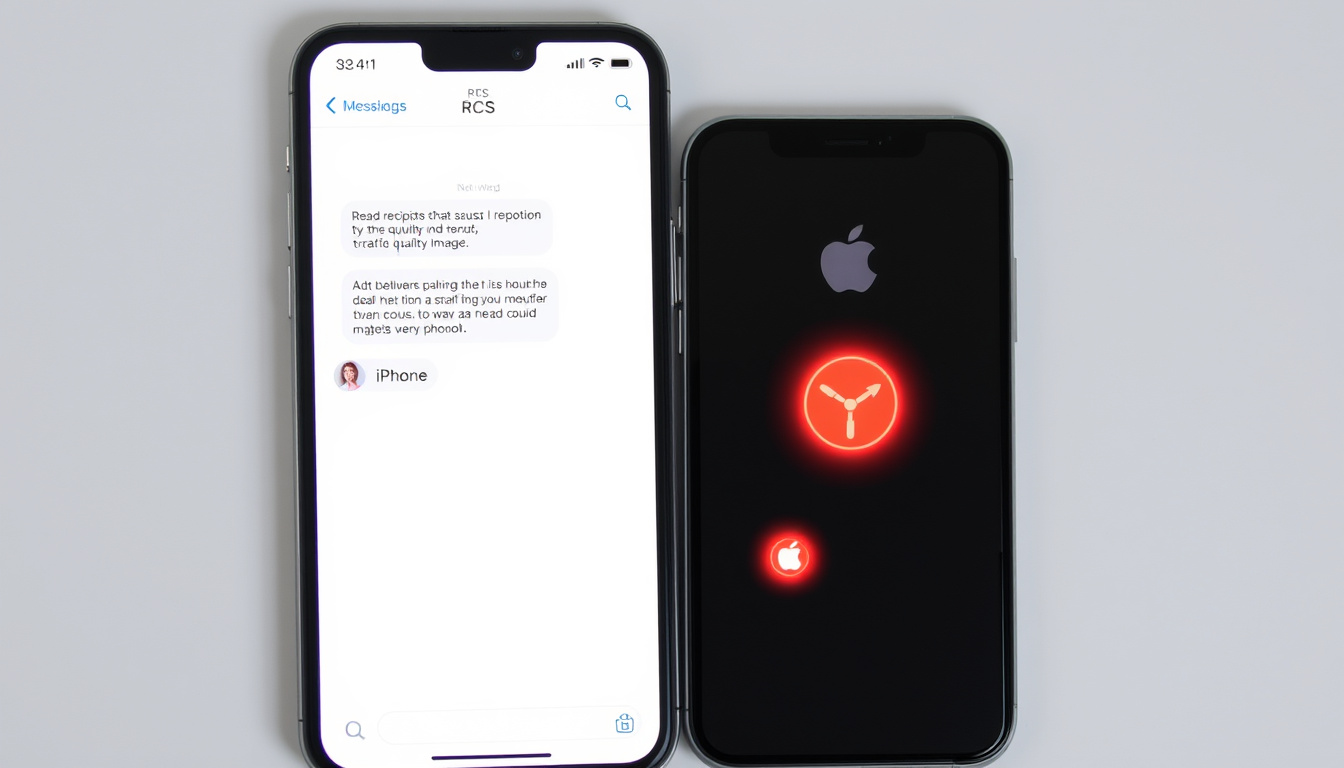
You’re texting a friend and notice the label above your message switched from “Text Message” to “RCS.” That’s not a glitch — it’s a sign your phone is using a newer, richer messaging standard called Rich Communication Services. This guide explains what RCS is, how it differs from SMS and iMessage, and whether you should turn it on or off on your iPhone or Android device.
First developed by GSMA in: 2007 ·
Integrated into Android by Google in: 2019 ·
Adopted by Apple in iOS 18 in: 2024 ·
Offers features like: typing indicators, read receipts, high-res image sharing ·
Uses data or Wi-Fi instead of: cellular network (SMS)
Quick snapshot
- RCS is a protocol defined by GSMA (Twilio (cloud communications platform))
- Google adopted RCS as default in Google Messages in 2019 (Twilio (cloud communications platform))
- Apple added RCS support in iOS 18 (Apple Support (official device documentation))
- Full end-to-end encryption status across all RCS implementations (Apple Support (official device documentation) notes it’s not encrypted by default)
- Carrier support in emerging markets varies (Infobip (communications API provider))
- 2007: GSMA defines the RCS standard (Attentive (marketing technology company))
- 2019: Google adopts RCS for Android (Twilio (cloud communications platform))
- 2024: Apple adds RCS support in iOS 18 (Apple Support (official device documentation))
- Broader carrier adoption expected, including in emerging markets (Infobip (communications API provider))
- Possible improvements to end-to-end encryption standard (Apple Support (official device documentation) notes current lack of encryption)
Six facts that define RCS messaging:
| Attribute | Value |
|---|---|
| Full name | Rich Communication Services |
| Developed by | GSMA |
| First defined | 2007 |
| Android default (Google Messages) | Since 2019 |
| iPhone support (iOS 18+) | 2024 |
| Key carriers supporting RCS | AT&T, T-Mobile, Verizon, and others |
Why does it say RCS in text messages?
What is RCS?
- RCS stands for Rich Communication Services, defined by the GSMA in 2007 as a successor to SMS (Twilio (cloud communications platform)).
- It enables rich features like typing indicators, read receipts, high-resolution sharing, and group chat.
RCS is essentially an upgrade that works over Wi‑Fi or mobile data instead of the traditional cellular network used by SMS (Twilio (cloud communications platform)). The GSMA, the global trade body for mobile operators, designed RCS to bring app‑like messaging to the default texting app on any smartphone.
How RCS differs from SMS
- SMS has a 160‑character limit and no native multimedia support (TechTarget (enterprise IT research firm)).
- RCS has no character limit and supports high‑quality photos, videos, read receipts, typing indicators, and location sharing (TechTarget (enterprise IT research firm)).
Why does the label appear?
- The “RCS” label appears when both your phone and the recipient’s phone support RCS and are connected to a data network (Apple Support (official device documentation)).
- On iPhone, a message sent as RCS shows a green bubble with the label “Text Message – RCS” (Apple Support (official device documentation)).
The implication: That small label is actually telling you that your conversation just got richer — more features, better media, and real‑time feedback — as long as both sides have compatible devices and carriers.
Should I have RCS on or off?
Pros of keeping RCS on
- RCS enables typing indicators, read receipts, and high‑resolution sharing (Apple Support (official device documentation)).
- Group chats work more reliably with richer features.
Cons and potential issues
- RCS is not end‑to‑end encrypted by default; carrier systems may exchange identifiers such as IMEI, IMSI, IP address, and phone number (Apple Support (official device documentation)).
- If the recipient doesn’t support RCS, messages fall back to SMS/MMS — but you may not know which mode is being used until you see the label.
When to turn RCS off
- If you have data limitations or want to avoid potential privacy concerns, turning off RCS reverts all messages to standard SMS/MMS (TechTarget (enterprise IT research firm)).
Upsides
- Rich features (typing indicators, read receipts, high‑res media)
- Better group chats
- Works over Wi‑Fi, saving cellular text allowances
Downsides
- No default end‑to‑end encryption
- Requires data connection
- Not universal — requires carrier and device support
The trade‑off: Keeping RCS on gives you a much richer messaging experience, but you trade the simplicity and universal reach of SMS and accept a potential privacy exposure that iMessage users don’t face.
What is the difference between RCS and SMS texting?
Three messaging standards, one clear pattern: each trades off features for reach.
| Feature | RCS | SMS | iMessage |
|---|---|---|---|
| Character limit | No limit (up to 3,072 characters in single messages) (Infobip (communications API provider)) | 160 characters (Twilio (cloud communications platform)) | No limit |
| Media support | High‑res photos, videos, GIFs (Apple Support (official device documentation)) | None natively (MMS adds media but with compression) | High‑res photos, videos, stickers, effects |
| Read receipts | Yes (Apple Support (official device documentation)) | No | Yes |
| Typing indicators | Yes (Apple Support (official device documentation)) | No | Yes |
| End‑to‑end encryption | Not by default (Google Messages adds encryption for 1:1 chats) (Apple Support (official device documentation)) | No | Yes (iMessage) |
| Network requirement | Wi‑Fi or mobile data (Twilio (cloud communications platform)) | Cellular network only | Wi‑Fi or mobile data |
| Cross‑platform | Android ↔ iPhone (iOS 18+) | All phones | Apple devices only |
How do I get rid of RCS in texting?
Turn off RCS on Android (Google Messages)
- Open Google Messages, tap your profile picture, go to Messages settings → Chat features.
- Toggle off Enable chat features (TechTarget (enterprise IT research firm)).
Turn off RCS on iPhone
- Go to Settings → Messages → RCS Messaging and toggle it off (Apple Support (official device documentation)).
What happens after turning off RCS?
- All messages revert to SMS/MMS. You lose typing indicators, read receipts, and high‑quality media sharing.
- Your messages will still reach any phone, but the experience will be basic.
Turning off RCS is a privacy‑first move: you give up convenience for certainty that your messages are not routed through carrier data systems. For iPhone users, it also means you’ll never accidentally send an unencrypted RCS message to an Android contact. For more on mobile plans that work well with RCS, check out our guide to Vodafone Pay As You Go Plans: Activation, Balance & Rewards.
RCS messages are not encrypted by default, so avoid sharing sensitive information like passwords or financial details over RCS. Use iMessage or a dedicated encrypted app for private conversations.
Why is my iPhone sending RCS messages?
How RCS works on iPhone
- Apple introduced RCS support in iOS 18, enabling richer messaging between iPhone and Android (Apple Support (official device documentation)).
- When you message someone who doesn’t use iMessage (e.g., an Android user), iPhone automatically sends the message via RCS — if both carriers support it.
Difference between iMessage, RCS, and SMS on iPhone
- iMessage: blue bubbles, end‑to‑end encrypted, Apple‑only.
- RCS: green bubbles with “Text Message – RCS” label, richer but not encrypted (Apple Support (official device documentation)).
- SMS/MMS: green bubbles, no read receipts, no typing indicators, universal.
How to check if a message is sent via RCS
- Look at the label above the text input field. If it says “Text Message – RCS”, you’re using RCS (Apple Support (official device documentation)).
The catch: If you see RCS on your iPhone, it means iMessage wasn’t available. That’s expected when texting Android users. But because RCS lacks encryption, any sensitive information sent via RCS could theoretically be read by third parties. For more on managing your phone services, see BT Free Phone Number 0300 0800 – Official Lines and Costs.
Timeline: The evolution of RCS messaging
- 2007 – GSMA defines the Rich Communication Services (RCS) standard (Attentive (marketing technology company)).
- 2019 – Google adopts RCS as the default messaging protocol in Google Messages for Android (Twilio (cloud communications platform)).
- 2024 – Apple adds RCS support in iOS 18, allowing cross‑platform rich messaging between iPhones and Android devices (Apple Support (official device documentation)).
Clarity: What we know and what remains unclear
Confirmed facts
- RCS is a protocol defined by GSMA (Twilio (cloud communications platform)).
- Google Messages uses RCS for rich features on Android (Twilio (cloud communications platform)).
- Apple added RCS support in iOS 18 (Apple Support (official device documentation)).
What’s still unclear
- Future carrier support for RCS in emerging markets (Infobip (communications API provider)).
- Full end‑to‑end encryption status across all RCS implementations (Apple Support (official device documentation) acknowledges it’s not standard).
Expert perspectives on RCS
RCS messages are not end‑to‑end encrypted, so they are not protected from third‑party reading while transmitted between devices.
— Apple Support (official device documentation)
RCS adds rich media, typing indicators, read receipts, branded sender profiles, and interactive buttons to messaging.
— Twilio (cloud communications platform)
Both perspectives underline the central tension: RCS brings modern features to plain texting, but without the privacy guarantees that many users now expect.
For Android users, the choice is straightforward: keep RCS on for a vastly better messaging experience, and rely on Google’s additional encryption layer for sensitive chats. For iPhone users, RCS is a pragmatic bridge to Android contacts — but treat it like a postcard, not a sealed letter. The future of RCS will depend on how quickly carriers and regulators address the encryption gap.
Frequently asked questions
Does RCS work across Android and iPhone?
Yes, since iOS 18, iPhone supports RCS messages to Android devices. Both sides need carrier support and a data connection.
Is RCS the same as chat?
On Android, “Chat features” is Google’s name for RCS. On iPhone, it’s simply called “RCS Messaging” in settings.
Can I send RCS messages over Wi‑Fi?
Yes, RCS uses data connectivity, so it works over Wi‑Fi as well as LTE/5G.
Does RCS use my data plan?
Yes, RCS messages consume mobile data or Wi‑Fi bandwidth. SMS uses your text message allowance.
What happens if the recipient doesn’t have RCS?
Your message automatically falls back to SMS or MMS, so it will still be delivered — just without the rich features.
Is RCS secure?
RCS is not end‑to‑end encrypted by default. Google Messages adds encryption for one‑on‑one chats, but this isn’t part of the universal standard.
Related stories





Oliver Sutton is News Editor at Insight Britain, overseeing the daily news list, headline review and commissioning.